THE NEXT CHAPTER OF LEARNING
Your courses. A better way to learn.
Save your courses. Study on your terms. Remember more of what you learn.
Udemie is a Windows and Linux desktop app that downloads the Udemy, Coursera and LinkedIn Learning courses you already have access to into a local offline library, with a built-in player, notes and AI study tools.


02 / THE CURATED LIBRARY
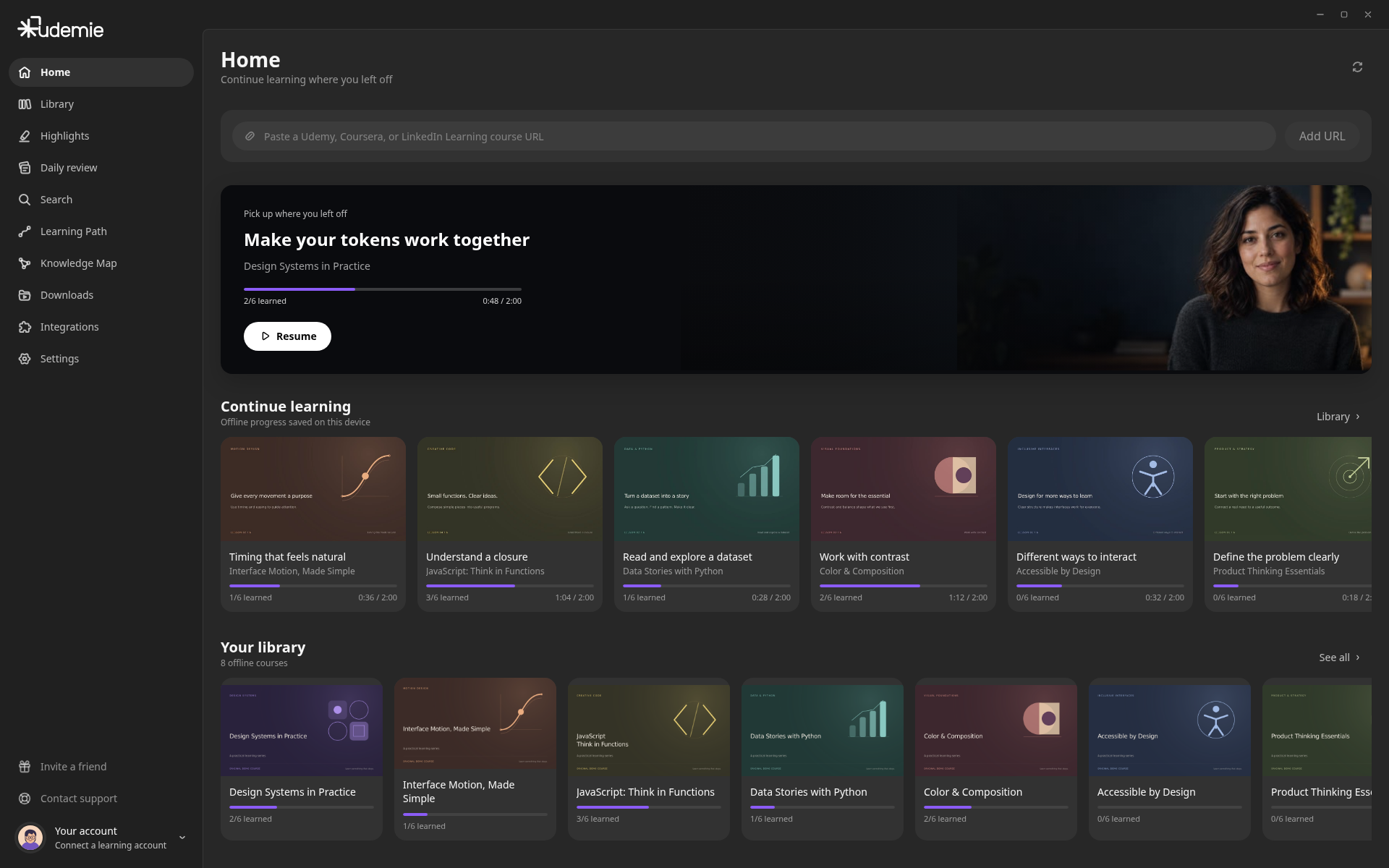
Every course. One place.
Bring your learning from Udemy, Coursera and LinkedIn Learning into a personal library, ready to explore on your terms.
Design · Development · Film · Business


03THE LEARNING WORKSPACE
A place to do more than watch.
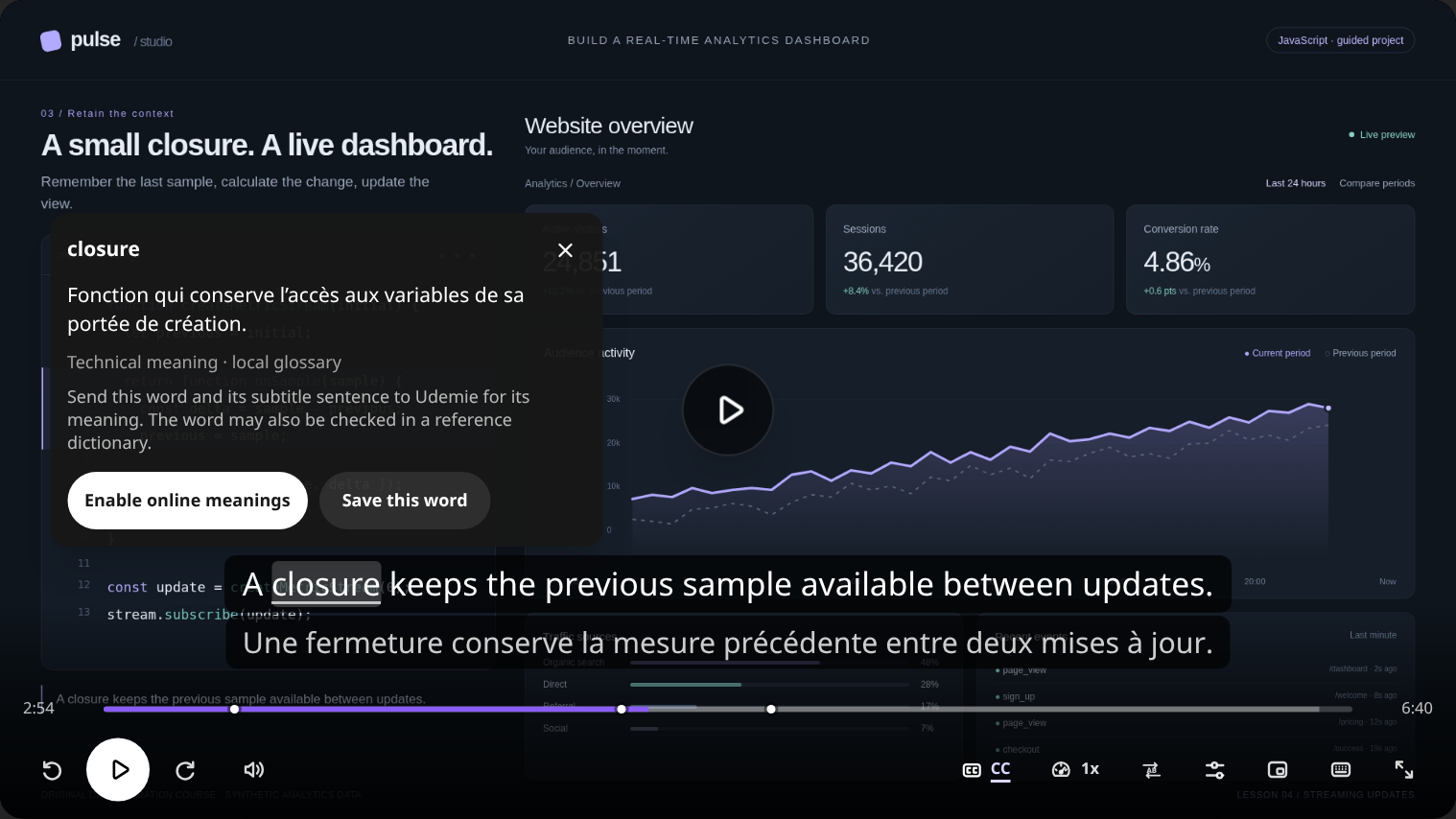
Play your lessons, follow the transcript, capture ideas and explore the course — all without losing your place.
WATCH & UNDERSTAND
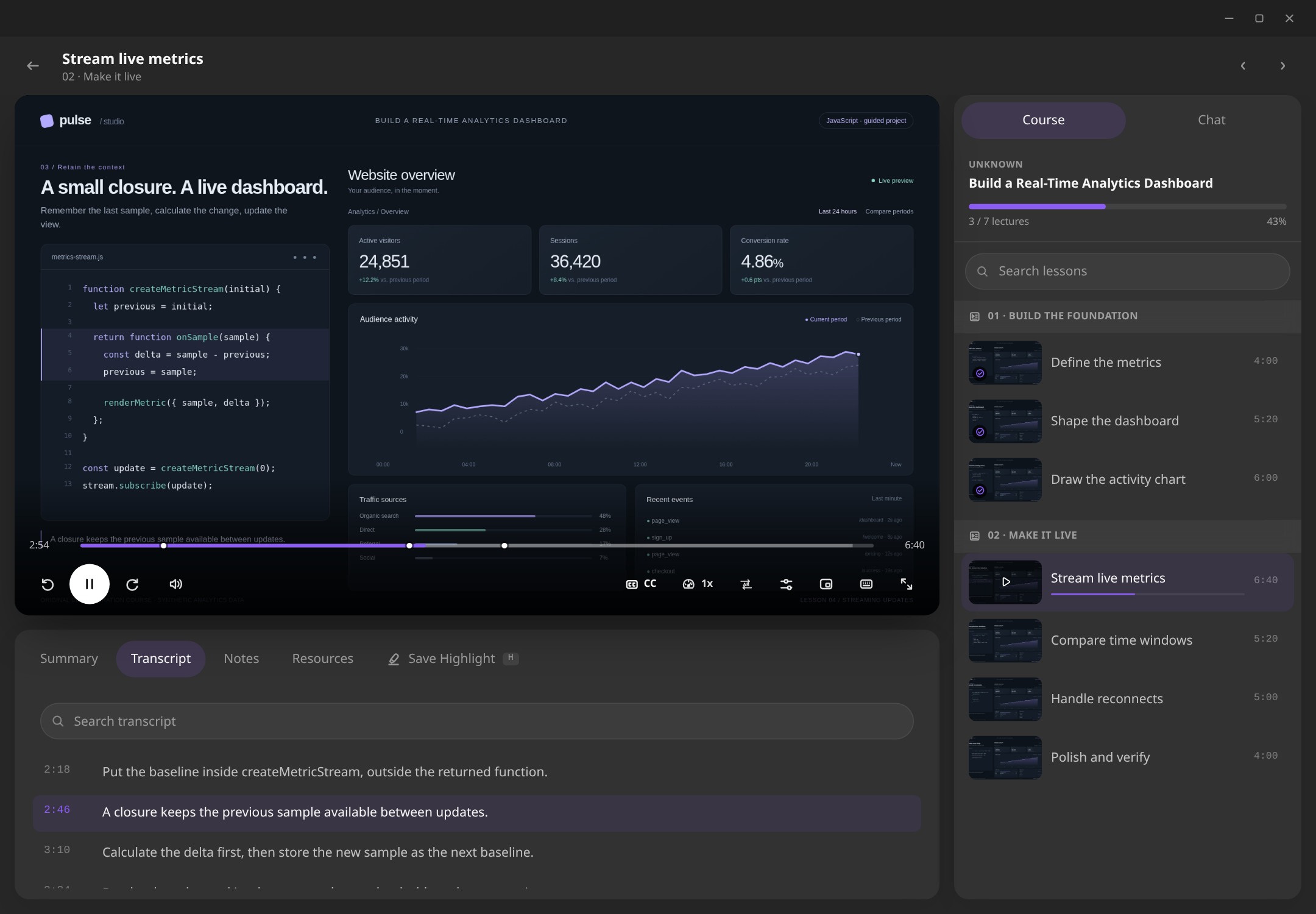
Stay with the idea.
Follow the transcript. Bring a second language alongside it, and pause on a word to understand it.
Subtitles and word meanings depend on the tracks and definitions available for the lesson.
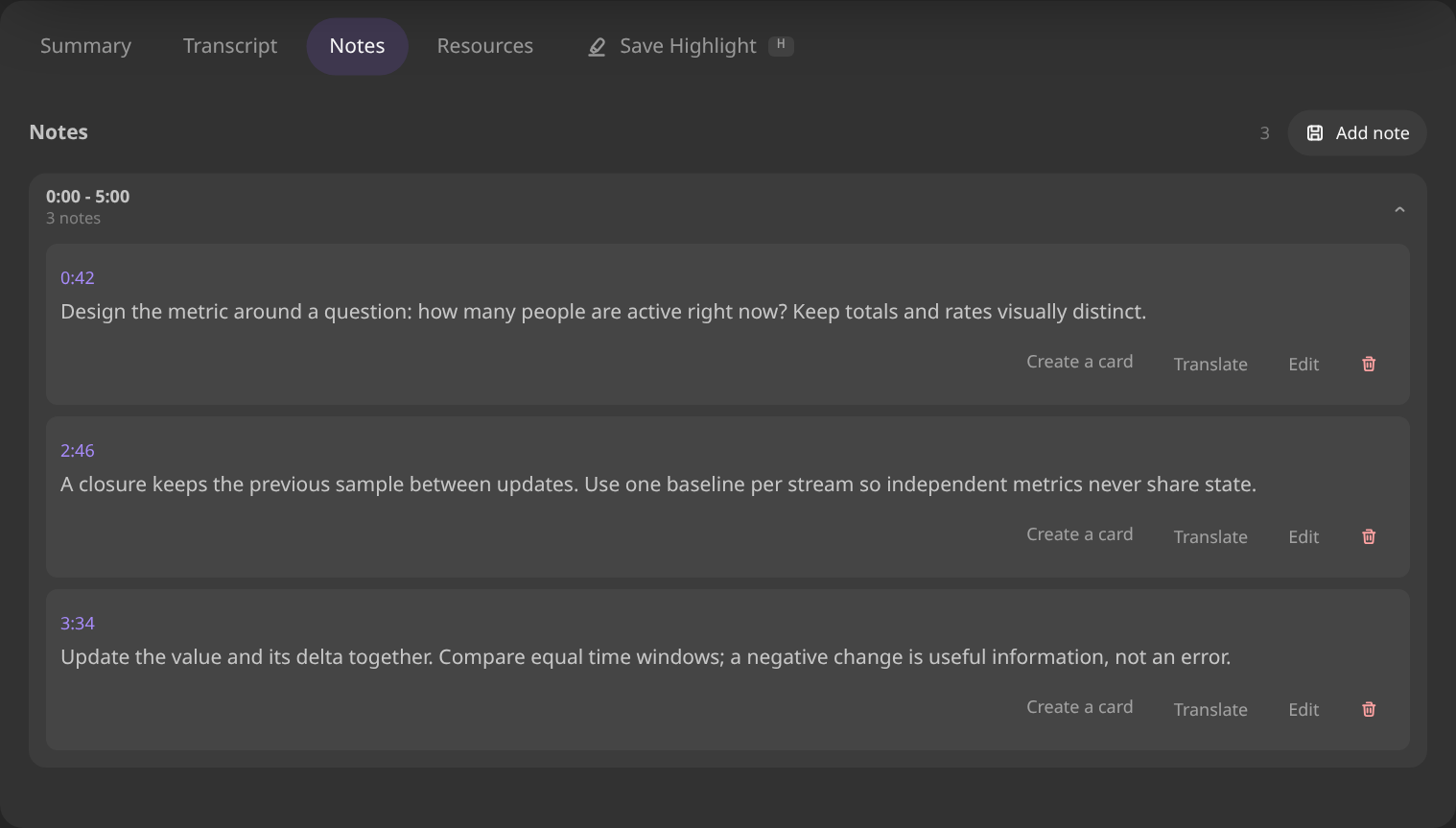
CAPTURE YOUR THINKING
Keep the thought.
Turn a passing idea into a timestamped note. Come back to the moment that made it click.
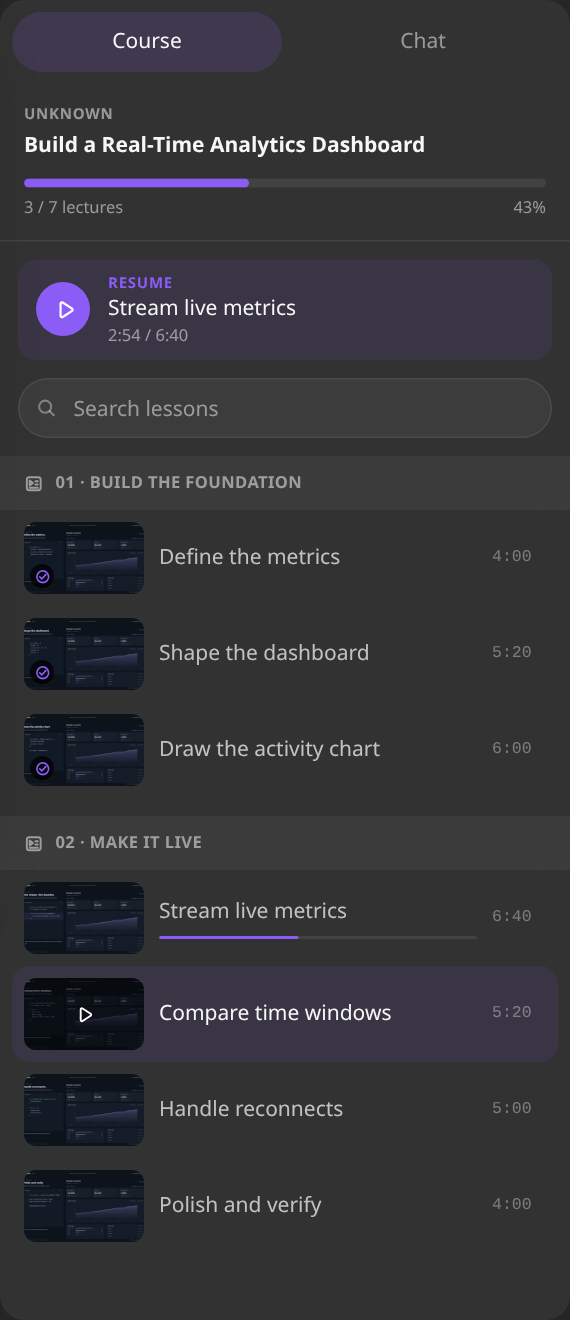
EXPLORE THE COURSE
See where it fits.
Move through the course, pick up the next lesson and keep the bigger picture in view.


04 / THE EXACT MOMENT
You remember the idea. Udemie finds the moment.
Describe what you're looking for. Find the explanation across your downloaded lessons, then return to the exact moment it was taught.

Back where it was taught.
Open the result. Pick up the explanation in the original lesson, with the transcript alongside it.

An original dashboard course, shown in the Udemie desktop app.
Search uses downloaded, indexed subtitles. First setup downloads a local search model; prepared lessons can then be searched offline. Searchable courses depend on your plan.
05 / PICK UP THE THREAD
Come back. Pick up the thread.
Revisit what you've learned, return to the moments that matter, and continue right where you left off.

Remember what you studied.
Revisit ideas from the passages you watched, with a link back to each source.

Return to the moment that matters.
Revisit the source at 02:00. Your place in the lesson stays saved.

Continue from 05:58.
Come back to the same lesson, right where you left off.
An optional, local recap after at least seven days away, when your course has enough viewing history.
06 / MOMENTS WORTH KEEPING
Save the moments. Make them stick.
Keep meaningful excerpts from your courses. Turn the ideas you choose into review cards, and revisit them at your own pace.

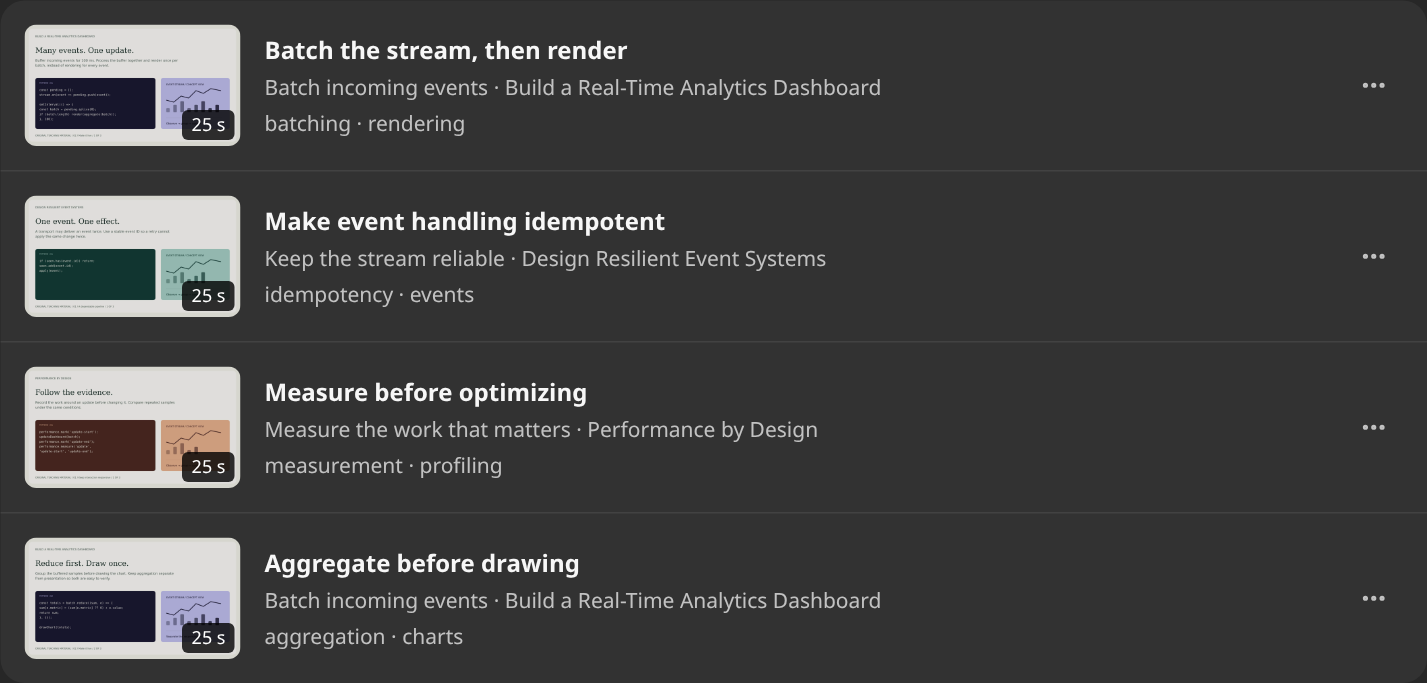
Collect What Matters
A collection of moments worth revisiting.
Save a passage, add your title and notes, and keep its place in the original lesson.
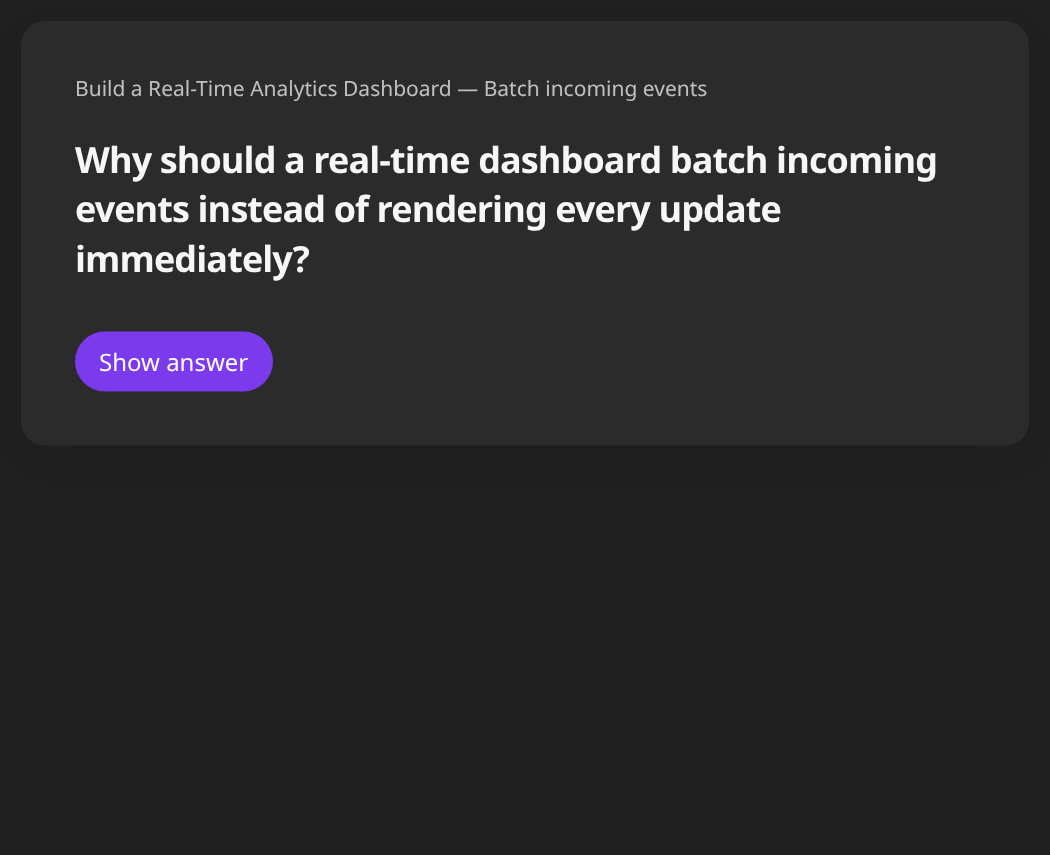
CHOOSE. WRITE.
Choose the source. Write your card.
Select a saved excerpt, then write the question and answer in your own words. You decide which idea becomes a card.
Build a Real-Time Analytics Dashboard · Batch incoming events · 00:30–00:55.

Remember What You Learn
A little practice. A lasting memory.
Think of your answer, then reveal the card. Revisit the original excerpt whenever you want to reconnect the idea with its source.

See the original source excerpt
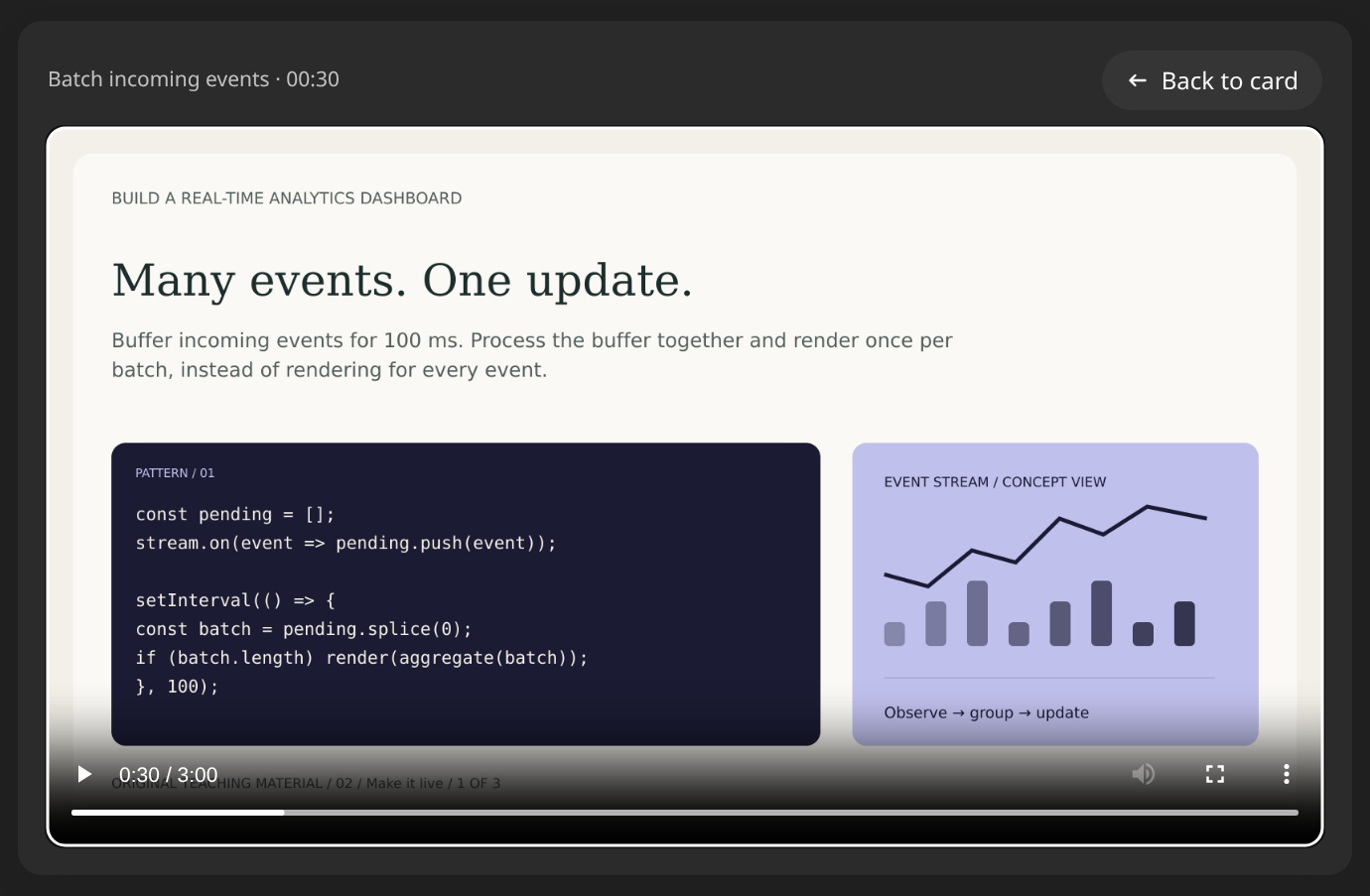
Highlights and review cards stay on your device. You choose what to keep and when to review. Shown in the Udemie desktop app.
07 / THE KNOWLEDGE MAP
See how everything connects.
Explore the relationships between ideas across your courses. Follow each connection back to the lessons that explain it.
One idea. More than one course.
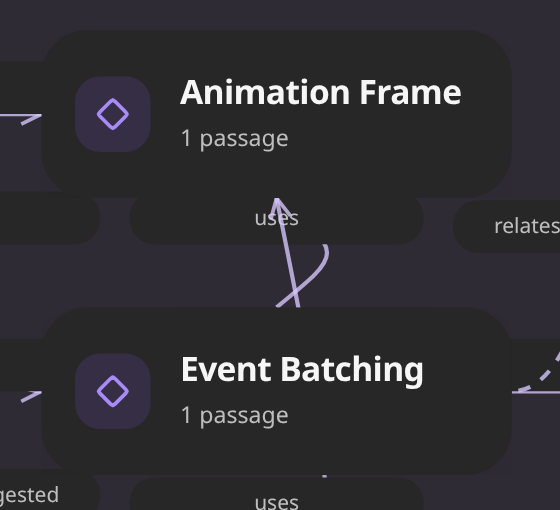
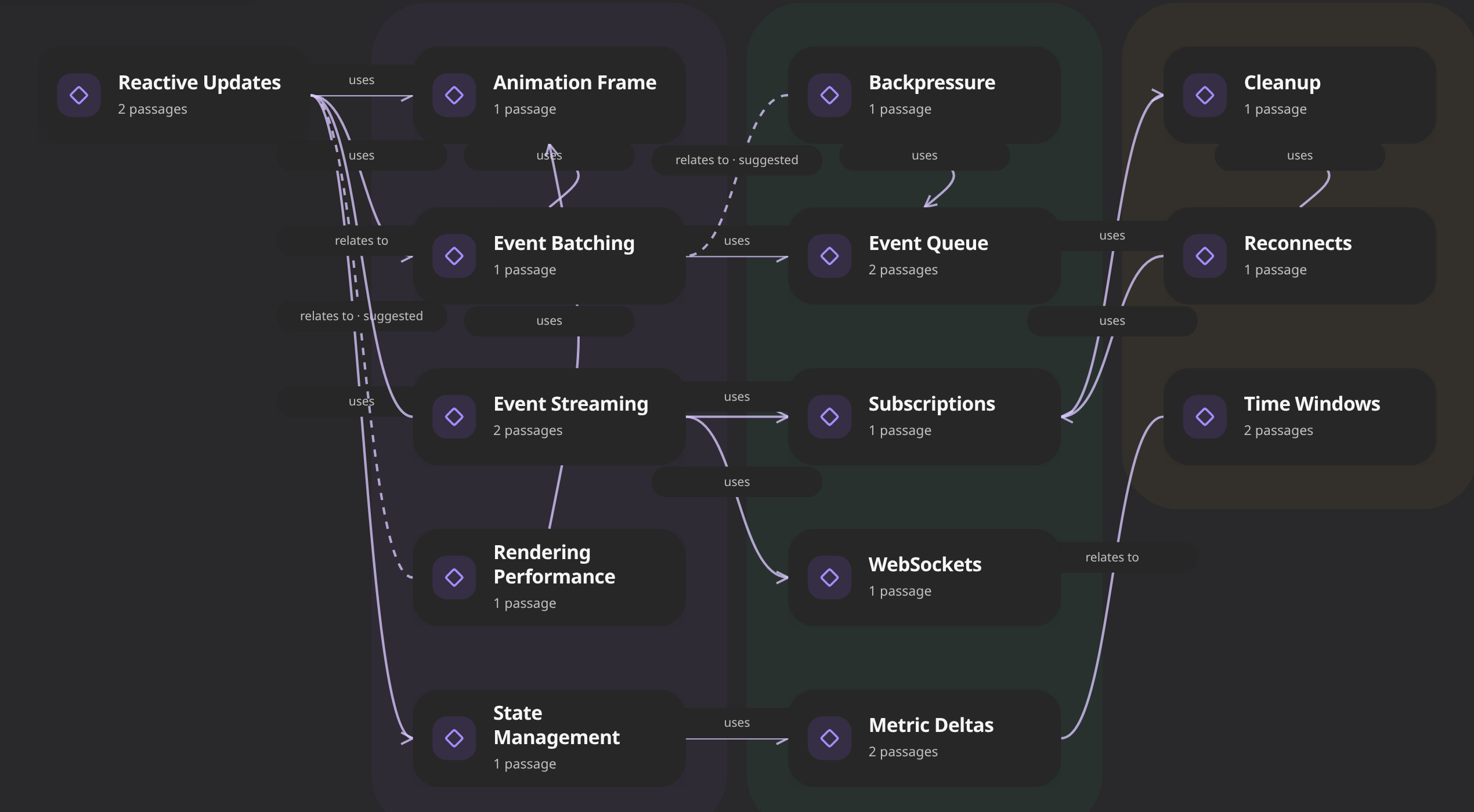

Follow an idea from the bigger picture to the lessons behind it.
- Event Streams: From Queue to Screen ·
- Build a Real-Time Analytics Dashboard ·
Prepared demonstration data. No live model extraction is shown.
Back to the source.
Open a passage and return to the explanation in its original lesson. Here, Reactive Updates leads to Batch events before rendering at 1:12.

Original course footage · Batch events before rendering · 1:12
Reading crop of original instructional footage in the actual desktop Player reached at 1:12: One state. One paint., with the reactive-update explanation and JavaScript code.
Solid connections are source-backed; dashed connections are suggestions, not confirmed. Connections you add reflect your own interpretation.
Browse saved maps offline. New analysis is online, starts when you ask, and depends on service and account eligibility.
Discovered, Studied and Practiced describe learning activity. They do not certify mastery.
Desktop app details, cropped for this webpage. App controls and course titles are shown in English.
08 / LEARN WITH YOUR EARS
Your learning. A new way to listen.
Turn your courses into narrated audio recaps. Follow the chapters, revisit their sources, and keep listening wherever you are.
Listen now. Revisit later. Stay connected to the course.

LISTEN AND EXPLORE
Every chapter leads somewhere.
Find your place in the episode. Open the original lesson when you want to go deeper.

KEEP LISTENING
Leave the player. Keep the thread.
Browse your library or revisit your highlights. The mini-player keeps your episode with you as you move through Udemie.

Revisit the course source
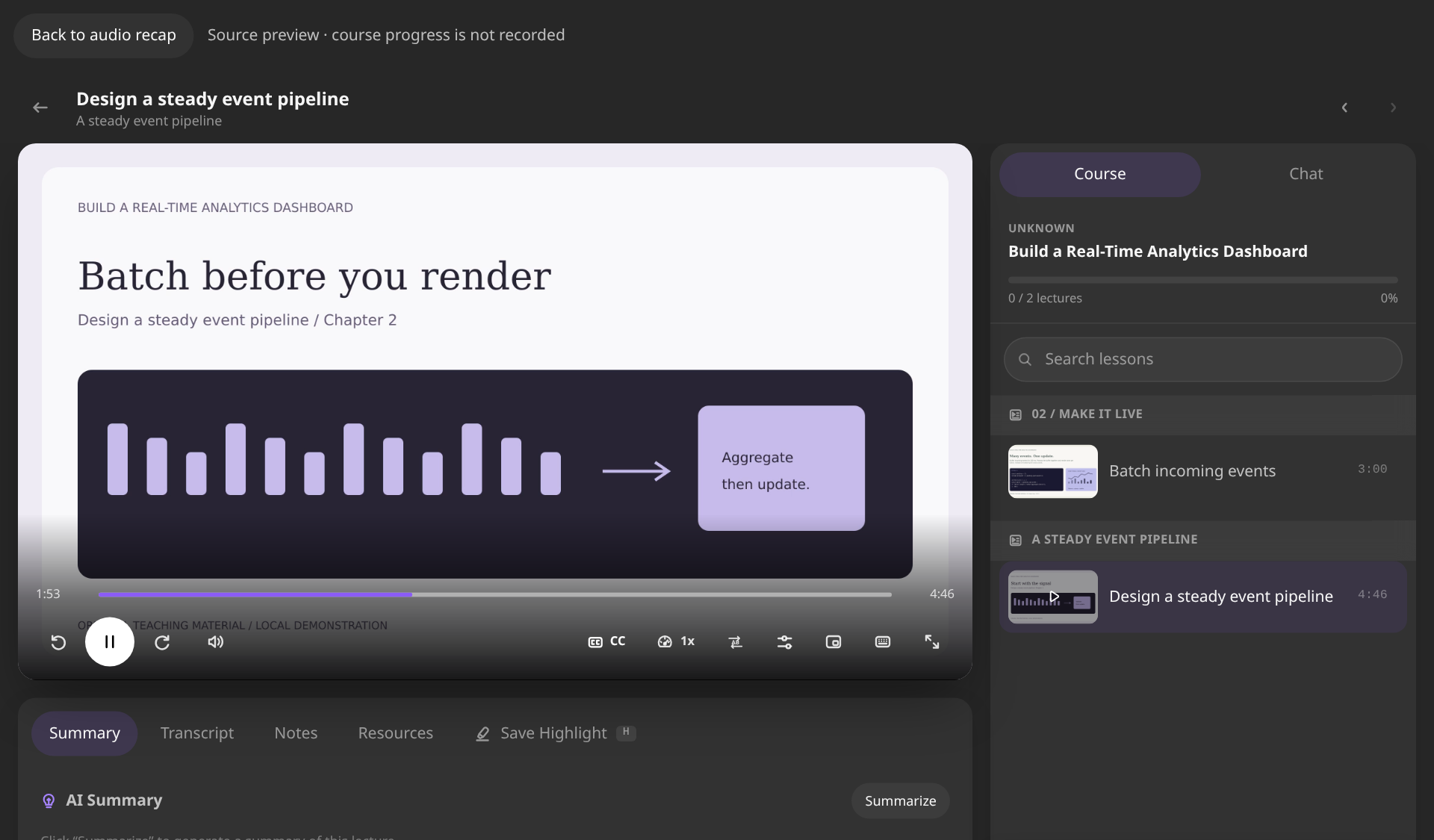
See the desktop player in motion
A short, silent recording of the actual desktop player. The waveform responds to a locally prepared demonstration episode.
Shown in Udemie for Windows and Linux. Saved episodes can be replayed offline. Creating a new recap requires a connection, authorized course material and available generation allowance.
09 / LEARNING WITHOUT LIMITS
The world can wait. Your learning doesn't have to.
Download your lessons while you're online. Watch, read, take notes, and pick up where you left off — even without a connection.
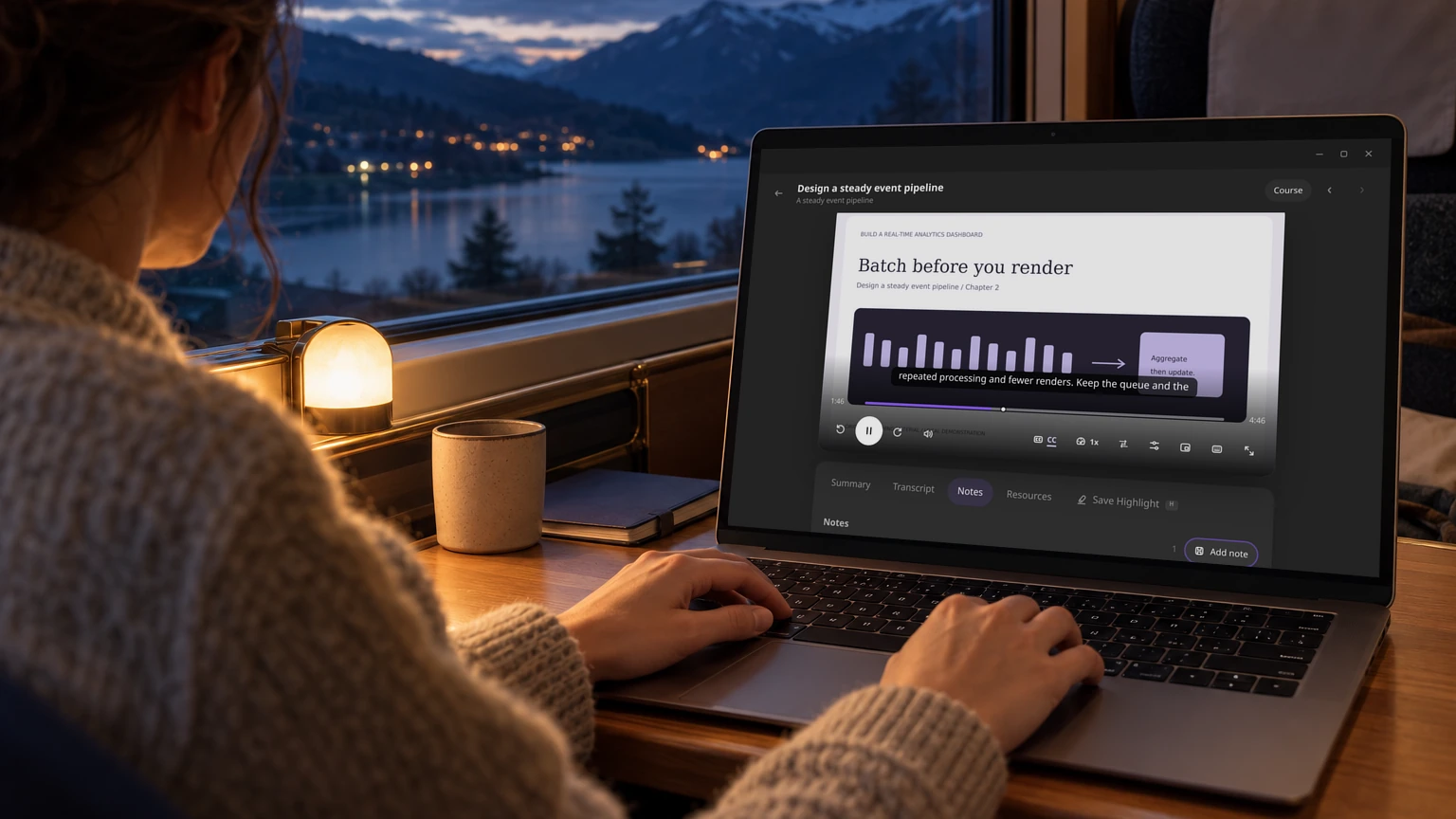
Saved on your device. Ready when you are.
Offline access applies to previously downloaded content. New downloads and cloud AI generation require Internet.
See the lesson up close